GarmentIQ - Documentation
🎉 Update (09/11/2026): GarmentIQ now supports SAM 1, SAM 2, and SAM 3, plus natural-language (text) prompts for segmentation, a new matting module (ViTMatte and Matting Anything) for soft alpha edges, and an explicit device argument (cpu, cuda, mps) on every model function! Cheers! 🥂
Welcome to the official documentation of GarmentIQ! This guide is designed to help you get the most out of the powerful tools and features offered by GarmentIQ. Our platform provides two primary components for building and running AI-driven solutions for the garment industry: GarmentIQ MagicBox and GarmentIQ Python API.
This documentation will guide you through the setup, usage, and best practices for both GarmentIQ MagicBox and the GarmentIQ Python API, enabling you to efficiently develop and deploy your garment industry solutions.
GarmentIQ MagicBox
A powerful, synchronized environment for running code and experiments seamlessly. MagicBox includes pre-configured dependencies and a user-friendly interface for running notebooks and scripts.
Read the documentationGarmentIQ Python API
A comprehensive set of Python libraries for integrating GarmentIQ into your own applications. The API allows you to leverage GarmentIQ's advanced algorithms and data processing capabilities in a flexible, programmatic way.
Read the API reference (Open in a new window)Overview of GarmentIQ Python Package
The garmentiq package provides an automated solution for garment measurement from images, utilizing computer vision techniques for classification, segmentation, and landmark extraction.
-
tailor: This module acts as the central agent for the entire pipeline, orchestrating the different stages of garment measurement from classification to landmark derivation. It integrates the functionalities of other modules to provide a smooth end-to-end process. -
classification: This module is responsible for identifying the type of garment in an image. Its key functions include:fine_tune_pytorch_nn,load_data,load_model,predict,test_pytorch_nn,train_pytorch_nn, andtrain_test_split -
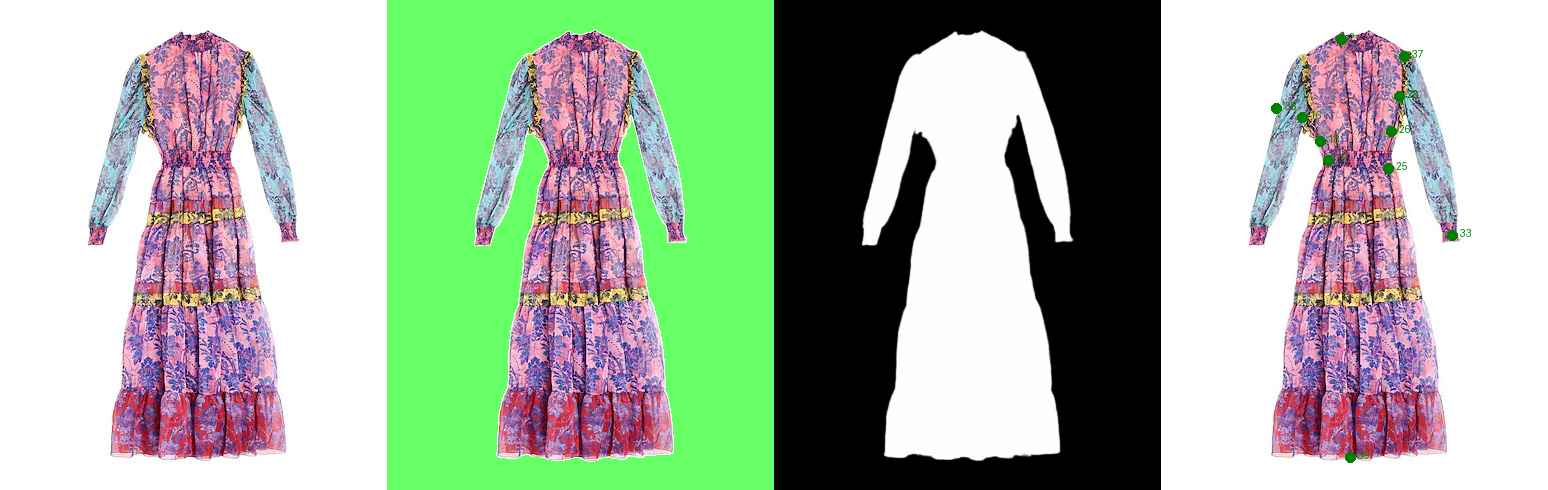
segmentation: This module focuses on isolating garment features from the background for improved measurement accuracy. Its key functions include:change_background_color,extract,load_model, andprocess_and_save_images. -
landmark: This module handles the detection, derivation, and refinement of key points on garments. Its key functions include:derive,detect, andrefine. -
matting: This module refines a hard segmentation mask into a soft alpha matte, so edges and semi-transparent detail composite naturally. Its key functions include:generate_trimap,load_model,matte, andcomposite. -
grounding: This module turns a natural-language phrase into bounding boxes, which is what gives SAM 1 and SAM 2 text-prompted segmentation. Its key functions include:load_grounding_model,load_grounding_processor, andground_text_to_boxes. -
Instruction Schemas: The
instruction/folder contains 9 predefined measurement schemas in.jsonformat, which are utilized by thegarment_classes.pyfilegarment_classesdictionary to define different garment types and their predefined measurement properties. Users can also define their own custom measurement instructions by creating new dictionaries formatted similarly to the existing garment classes.
Common conventions
Every model-backed module follows the same two-step shape, so moving between them requires no relearning:
model = giq.<module>.load_model(...)        # 1. load weights onto a device
result = giq.<module>.<run>(model=model, image_path=..., device=...)   # 2. run on an image
where <run> is predict for classification, extract for segmentation, matte for matting, and detect for landmarks. Across all of them:
deviceis opt-in and identical everywhere. Everyload_modeland every inference function takesdevice, defaulting to"cpu". Pass"cuda"or"mps"explicitly to use an accelerator; nothing is auto-detected.- Accelerator memory is released automatically after each inference call.
- Configurations are bundled. BiRefNet, every SAM variant and ViTMatte load their configs and processors from inside the package, so only weights need downloading.
- Arguments are keyword-style. The examples throughout this documentation pass every argument by name, which is the supported way to call these functions.
- A mismatched checkpoint warns. Weights are loaded leniently so partial checkpoints keep working, but if a checkpoint does not match the model class GarmentIQ raises a
RuntimeWarninginstead of silently returning a randomly initialised model.
Tutorial
Each tutorial is a self-contained Colab notebook covering one part of the garmentiq Python API, from a single module up to the whole pipeline. Open one to read the explanation and run the code. For the full API reference, see our documentation.
⚠️ Note: If you encounter errors while running these notebooks in Colab, they are likely due to Python package version conflicts specific to the Colab environment. We recommend installing MagicBox on your local machine, where you can find and run these examples under working/examples/.
Installation
Please install from PyPI using the following command.
pip install garmentiq -qTutorial notebooks
| Tutorial | What it covers | Open in Colab |
|---|---|---|
| Tailor (the whole pipeline) | Run every stage end to end on a folder of images, then read the masks, annotated images, and measurements it writes out. |  |
| Classification | Identify the garment type, which decides the landmarks and measurement instructions used by every later stage. | |
| Segmentation | Separate the garment from its background with BiRefNet or SAM 1, 2, and 3, using point, box, label, and text prompts. | |
| Grounding | Turn a natural-language phrase into bounding boxes, which is what gives SAM 1 and SAM 2 text-prompted segmentation. | |
| Matting | Refine a hard mask into a soft alpha matte with ViTMatte or Matting Anything, so edges composite naturally. | |
| Landmark detection | Locate the key points a measurement runs between, such as shoulders, sleeve ends, and hems. | |
| Landmark refinement and derivation | Snap detected landmarks onto the true garment edge, and compute extra points the model does not predict at all. | |
Advanced Usage
These notebooks go beyond everyday use: defining your own measurements, and training or fine-tuning the classification model on your own data.
⚠️ Note: If you encounter errors while running the following examples in Colab, they are likely due to Python package version conflicts specific to the Colab environment. We recommend installing MagicBox on your local machine, where you can find and run these examples under working/examples/.
| Notebook | What it covers | Open in Colab |
|---|---|---|
| Custom measurement instruction | Define your own landmarks and measurements, then register them in a garment class dictionary. | |
| Classification model training & evaluation | Train the built-in CNN3 or a model you wrote yourself from scratch, then compare them on a held-out test set. | |
| Classification model fine-tuning | Adapt the pretrained tinyViT classifier to your own catalog by freezing the backbone and retraining the head. | |